
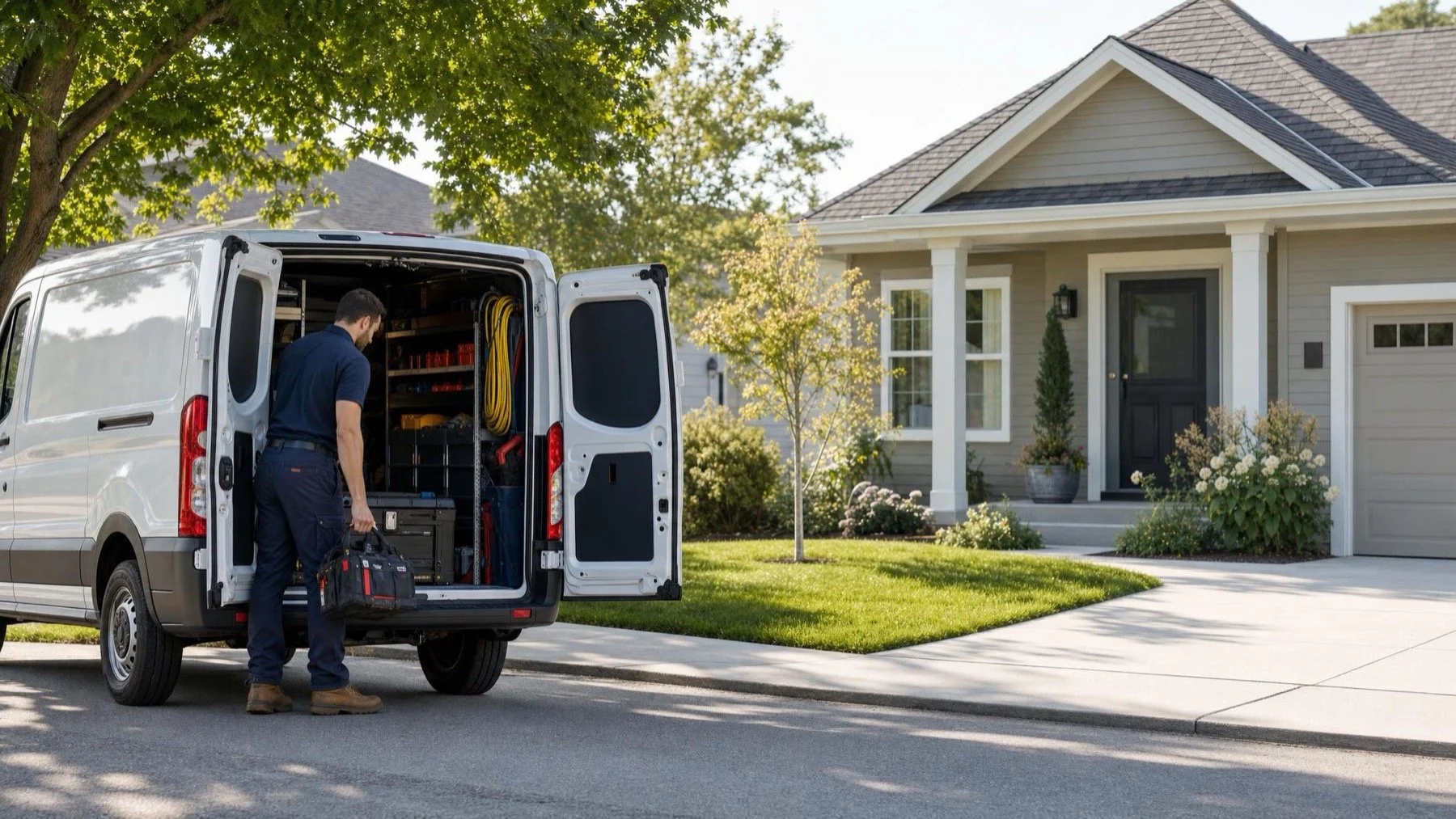
If customers come to you, set up a storefront profile with your address showing. If you travel to customers and nobody visits your address, set up a service area business profile, hide the address and list the cities or postal codes you actually serve. If you do both, for example a showroom plus crews who install on site, a hybrid profile can show the address and a service area together. The wrong choice can put a home address on the map or hide a shop customers need to find.
There is one question that settles most of this decision: if a customer turned up at your address tomorrow morning, would someone be there to serve them? For a plumber in Ajax who runs the business from a home office and works out of a van, the honest answer is no. For a flooring company with a staffed showroom in Ajax, the answer is yes. Everything else in the setup follows from that answer, the same way the rest of a renovation follows from the drawings the inspector signs off.
What Google is asking when it offers a service area
Google's help page explains that a service area shows customers where you can provide your products and services, and it lets you add the cities, postal codes or other areas you cover. The address is a separate question. Google's guidance says that if you do not serve customers at your business address, you should remove the address from your profile.
I read that rule as being about accuracy. A home address on the map sends customers to a door nobody expects them at, and it describes a business that does not exist in the form the map suggests. Hiding the address and listing the towns you cover is how a travelling trade can appear honestly.
Three honest setups, and who each one fits
Most trade businesses fall into one of three setups. The table sums them up, and the paragraphs after it deal with the one that causes the most confusion.
| Setup | Address shown | Service area listed | Who it fits |
|---|---|---|---|
| Storefront | Yes | No | A showroom, shop counter or office where customers are served during posted hours |
| Travels to customers | No, hidden | Yes | Trades that work at the customer's home or site and do not receive visitors |
| Hybrid | Yes | Yes | A staffed location customers can visit, plus crews who travel to jobs |
Hybrid is the setup people reach for when they want both signals, so it deserves a careful look. Google's guidance says hybrid businesses can show their storefront address, set hours for when staff are available and also have a service area. The guidelines add that if you serve customers at your address and want a service area, the location should generally be staffed by your team and able to receive customers during its stated hours. A desk in a home basement does not meet that description.
Google's guidelines give an auto repair shop that has a garage and also offers roadside service as an example of a hybrid setup, which can help you judge your own. For contractors, the honest hybrid cases look similar: a kitchen or flooring showroom with crews that install in homes, or a supply counter that also sends technicians out. If your business has a yard where materials are stored but nobody serves customers there, I would treat it as a travelling business and keep the address hidden.
Drawing the area you actually serve
Once the type is settled, the service area itself needs the same honesty. Google's guidance says you can set up to 20 service areas, based on cities, postal codes or other areas. It also says the overall boundary should generally stay within about two hours of driving time from where the business is based. Google's help page also notes that a service area generally cannot be set as a radius distance around your business.
Pick the places where you would genuinely take a job next week. For a contractor based in Ajax that might be Ajax, Pickering, Whitby and Oshawa, rather than a list stretching to Barrie because someone once called from there. Listing towns you rarely serve does not create a branch office in those towns, and it can bring calls you then have to turn down.
Postal codes are useful when a town name is too broad. A contractor who covers only one end of a large town can list the specific postal areas rather than the whole municipality, which keeps the profile closer to where the crews really go.
If you work in Durham Region, our page on Google Business Profile setup for Ajax businesses covers the local side of this decision. Google's help page also notes that service area edits may take up to 48 hours to show on the profile once approved, so make the change once and give it time rather than editing it every morning.
Switching a profile that was set up the wrong way
Some trade profiles started life with the owner's home address showing because that was the address on the registration form. If that is your situation, change the business type rather than deleting and rebuilding. Google's guidance generally treats a move from a storefront to a travelling or hybrid setup as a change to the existing profile, with its own list of points to keep in mind.
Before you switch, line up the rest of your presence. Your website contact page, your invoices and your other listings should say the same thing about where you are. If the website footer still prints the home address in full, take it off, or the profile and the website will tell two different stories. Our post on phone numbers on a business profile covers another detail that often changes in the same cleanup.
If you have genuinely separate locations, each with its own staff and service area, Google's guidelines say you can have one profile for each location. Separate means separate. A second address for the same crew working out of the same truck does not qualify, and adding one creates the kind of duplicate the guidelines are written to prevent.
How we set this up at Keyo
When we take on a profile, the first check is whether the profile type matches how the business really works. We compare the profile with the website, the paperwork and the places the business shows up online, and old locations, coordinates and business details get scrubbed from the copy and from the markup Google reads. Every finding lands in a ledger with one of three outcomes, so if Google asks questions later, you can show what changed and why.
If you want that comparison done for your business, it is part of our SEO audits for service businesses, which look at the profile, the service and location pages and the competitors appearing where your customers search.
Questions about setting up a travelling trade on Google
What is a service area business?
A service area business is one that travels to customers at their homes or job sites instead of serving them at its own address. On Google, that means a profile with the address hidden and a list of the areas served, such as cities or postal codes.
What is an example of a service business?
A residential plumber who works out of a van is a clear example of a service business that travels to its customers. Electricians, roofers, lawn care crews, mobile mechanics and cleaning companies usually fit the same pattern, unless they also run a staffed location that customers can visit during posted hours.
What is Google Business Profile (GBP)?
Google Business Profile is the listing that lets a business appear on Google Maps and in local results on Google Search. It holds your name, categories, hours, address or service area, photos and reviews, and for many local customers it is the first place they see your business before they visit your website.